
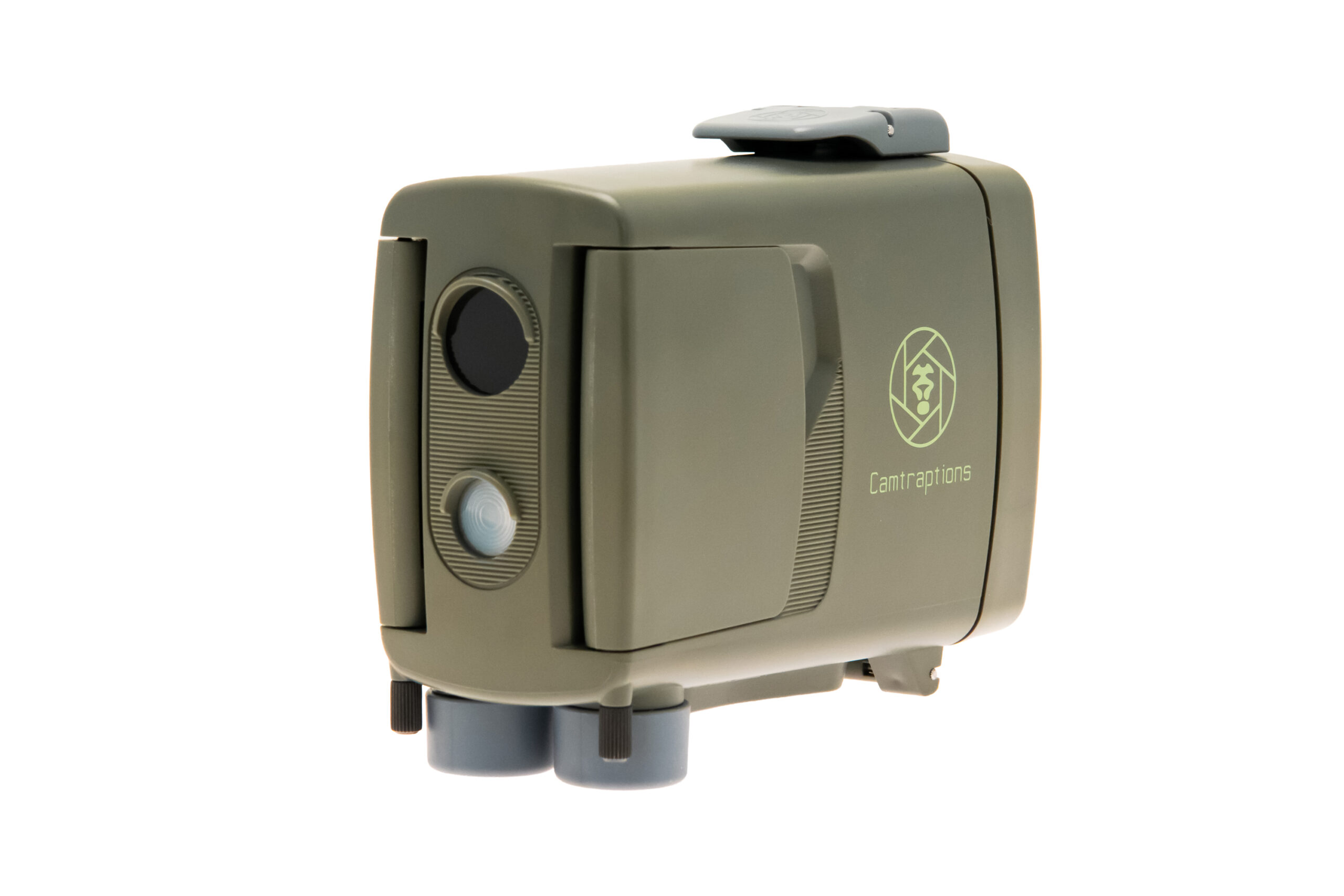
Camtraptions PIR v4
Resources & Support
Welcome to the official resource hub for the Camtraptions PIR Motion Sensor v4.
Here you’ll find everything you need to get the most out of your device — manuals, firmware downloads, how-to guides, and technical support.
All resources on this page are maintained by Camtraptions to ensure you always have access to the latest, most reliable information.
Manuals
📄 Download Manual (PDF, Firmware v1.19)
Best for offline reference or printing.
🌐 View Online Manual
Browse the latest version with searchable content and direct links to tutorials and firmware notes.
Please check which firmware version your sensor is running to ensure the manual matches your device.
The manual is also available in the following languages:
🇫🇷 Français
🇩🇪 Deutsch
🇳🇱 Nederlands
🇪🇸 Español
🇮🇹 Italiano
How to Check Your Firmware Version
1. Power on the PIR v4.
2. On the home screen, hold the right arrow button for 3 seconds to display the firmware version (e.g. Fv 1.19).
Firmware Downloads
Firmware v1.19 — Initial Release
Release Date: 10 November 2025
Download: [Firmware_v1.19.zip]
What’s New:
• First public release
📘 For firmware installation steps, see the Firmware Update Guide in the online manual.
Manual Archive
Looking for an earlier manual?
Download legacy versions here:
• PIR v4 Manual (v1.19 PDF)
Always use the manual that matches your firmware version for accurate menus and settings.
Guides & Tutorials
Practical advice, setup walkthroughs, and creative inspiration to help you master your PIR v4.
This section will grow as new videos and articles are released.
🎬 Getting Started Series
- Introducing the PIR v4 — Everything you need to know about what’s new in Version 4.
- PIR v4 Menu Walkthrough — All the main settings for stills and video explained.
- Setting up a wireless stills camera trap (coming soon)
- Setting up a wired stills camera trap (coming soon)
- Setting up a wireless video camera trap (coming soon)
- Setting up a Sony stills camera trap (coming soon)
Check back regularly — new tutorials and field videos will be added when available.
Support & Contact
If you need help beyond what’s covered in the manual or FAQs below, please visit our Support Page.
Please include:
- Current firmware version
- Order number
- A brief description of the issue
Quick FAQs
How do I install firmware updates?
Follow the Firmware Update Guide in the online manual for step-by-step instructions.
How do I confirm the update worked?
After rebooting, check the firmware version by following the instructions above.
Where can I buy NP-F batteries or the AA adapter?
See our NP-F Battery Guide for options and tips. The AA adapter can be found here.
Related Resources
Authenticity & Security
All firmware, manuals, and updates are published exclusively on camtraptions.com.
Download only from official sources to ensure authenticity and reliability.